Photos
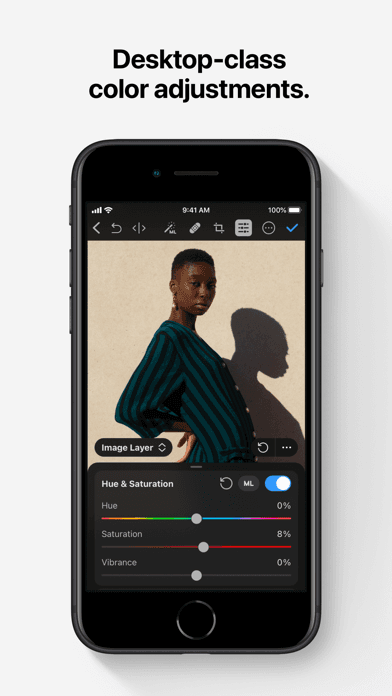
Photos organizes, edits and shares pictures and videos, with library management, nondestructive adjustments and optional iCloud Photos synchronization.
- First available
- April 8, 2015
This is an application-family record; imported release dates can identify a specific platform edition rather than the first use of the product name. App Store current-version dates are not substituted for original launch dates.
Image: Apple Inc. / official user guide · Rights reserved · official documentation screenshot ↗
History
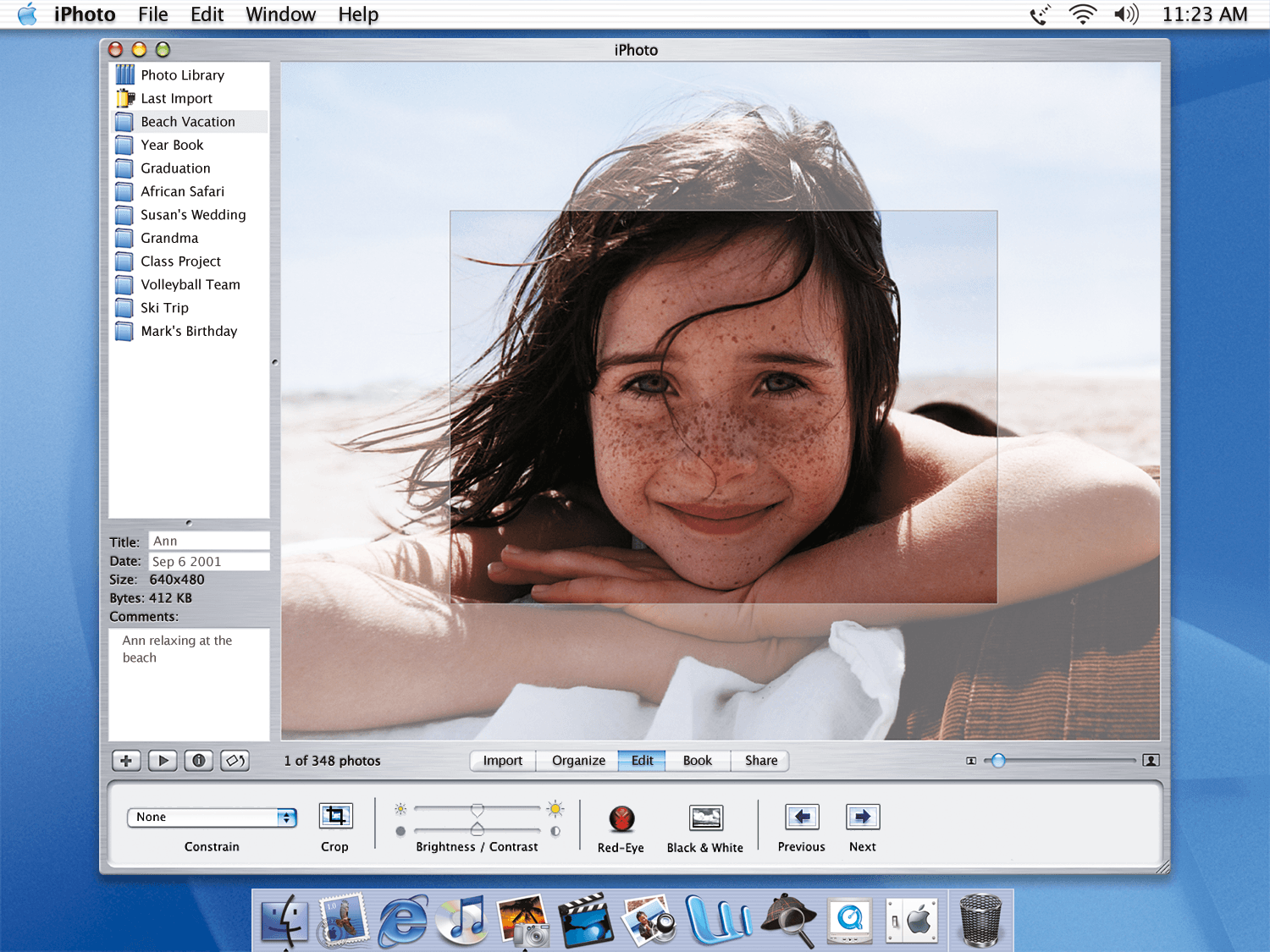
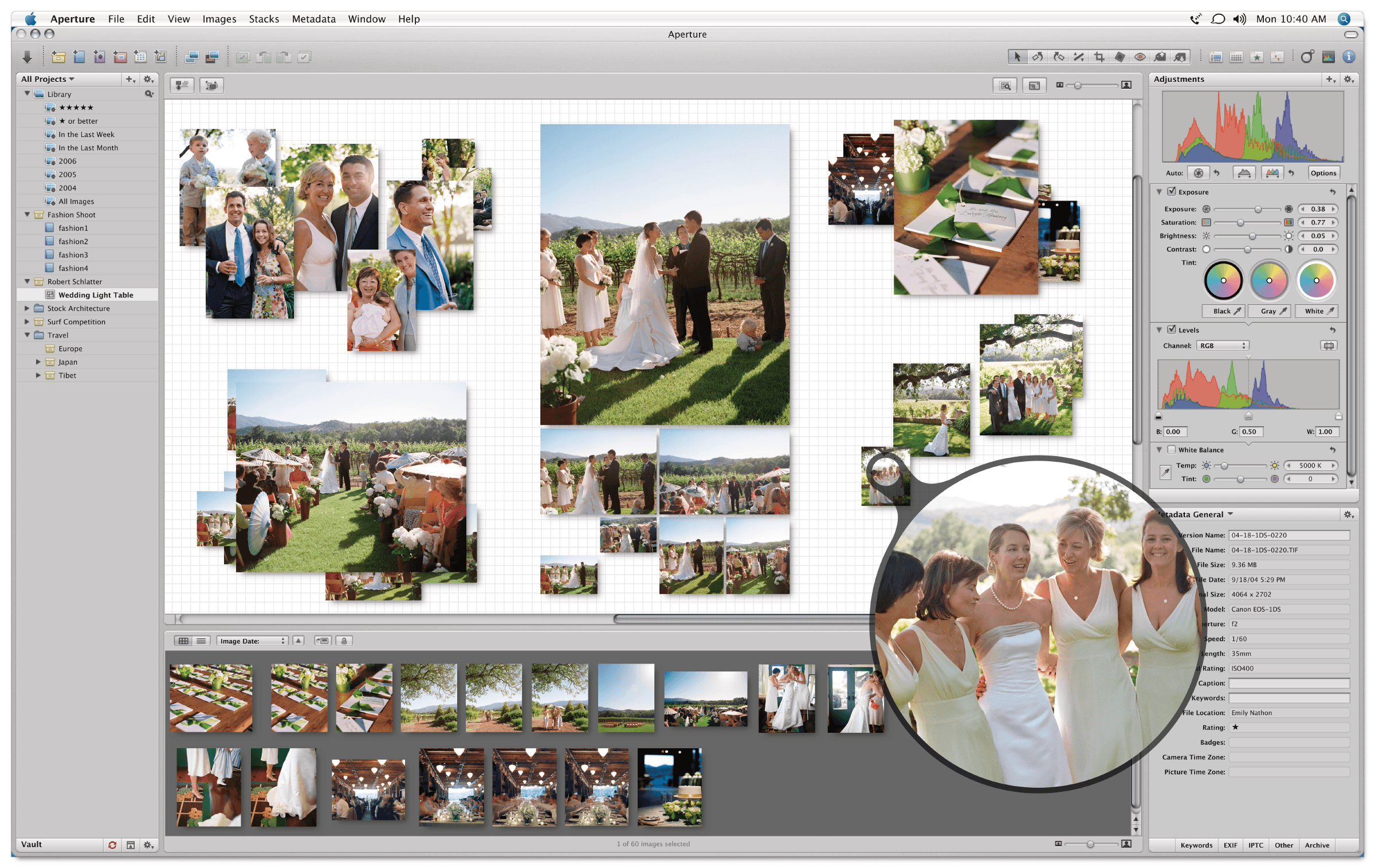
The Mac application arrived in 2015 to replace iPhoto as Apple's consumer photo-library destination. It also became the shared app identity across iPhone and iPad, where the photo library had an earlier history. Aperture and iPhoto libraries require the appropriate migration path rather than being interchangeable project formats.
Before Photos arrived on Mac, Apple’s iOS 5 preview described on-device editing and albums; its iOS 7 preview introduced time- and location-based Moments.
Media 21
View all ↗
Apple previews iOS 10, the biggest iOS release ever
2016Press release

MacOS X Yosemite Press Photos
2014Photography
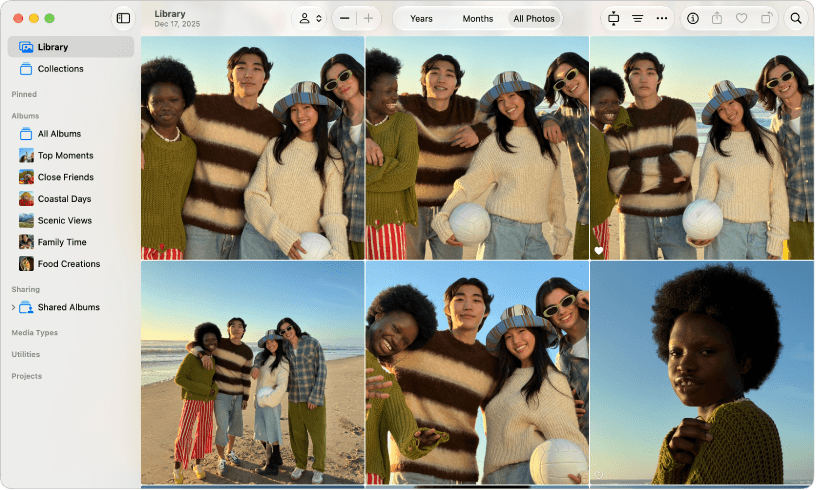
Photos User Guide
UndatedManual

SF Pro · expanded widths
UndatedTypography
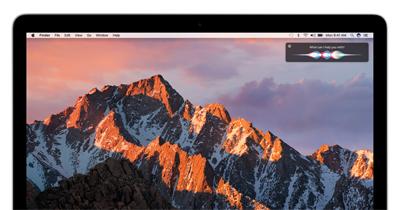
Apple previews major update with macOS Sierra
2016Press release
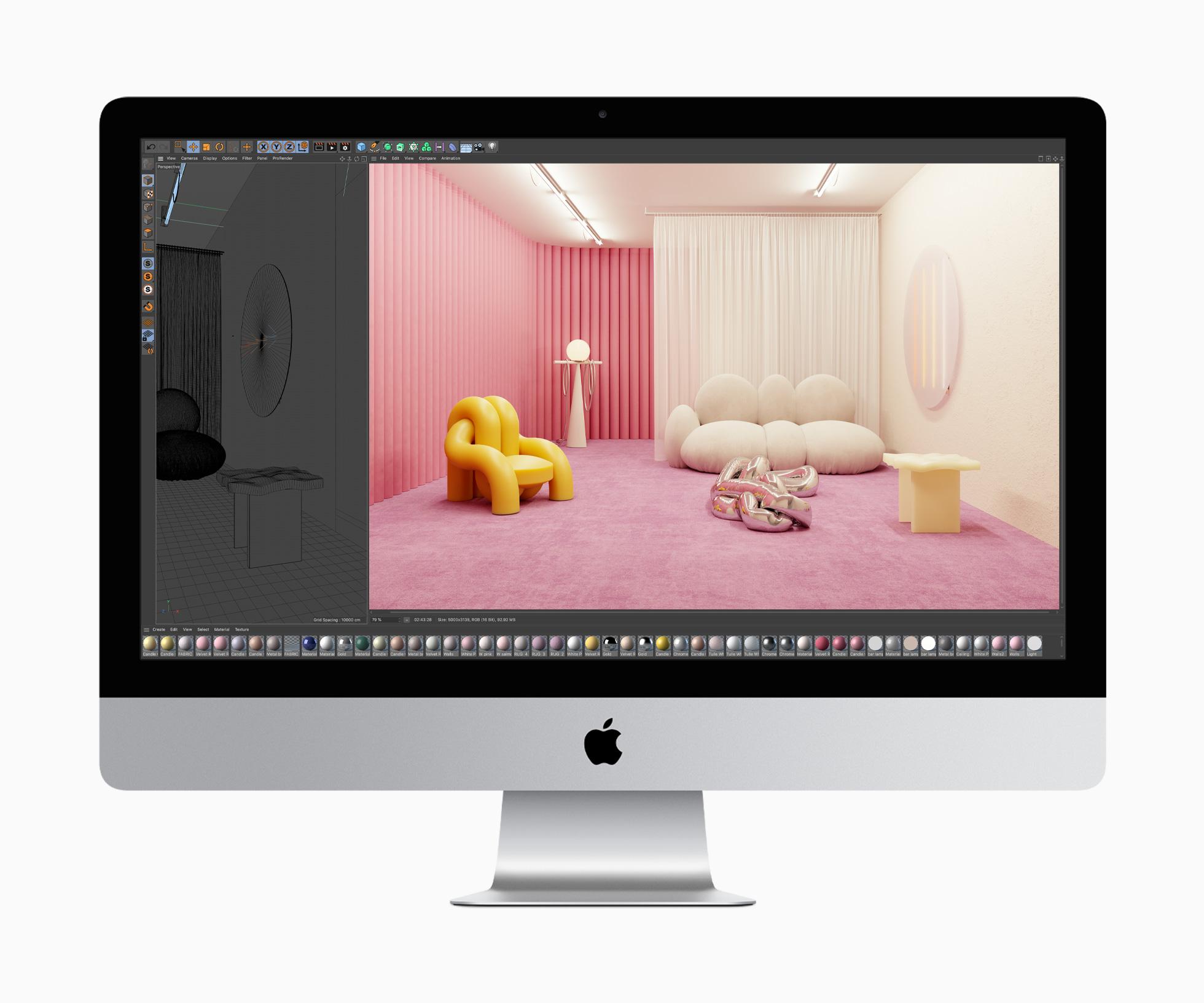
iMac 27-Inch 6th Generation Press Photos
2020Photography
6 of 21 records
Details
Specifications
13 fields
- Library
- Photos and video organization
- Editing
- Nondestructive adjustments
- Synchronization
- Optional iCloud Photos
- Mac predecessor
- iPhoto
- Current listing version
- 3.6 ↗Apple App Store listing captured 2026-11-16; not the original release requirement.
- Current listing minimum iOS/iPadOS
- 10.0 ↗Apple App Store listing captured 2026-11-16; not the original release requirement.
- Current listing download size
- 11.7 MB ↗Apple App Store listing captured 2026-11-16; not the original release requirement.
- Retained Mac guide: Memories
- Automatically curate photos and videos around trips, holidays, people and pets into collections with music, titles and transitions ↗Feature scope is the retained Mac guide overview. Source capture is not an original application release witness.
- Retained Mac guide: sharing routes
- Share through Mail, Messages and other apps, or use AirDrop with a nearby Apple device ↗Feature scope is the retained Mac guide overview. Source capture is not an original application release witness.
- Retained Mac guide: storage optimization
- Keep full-resolution photos and videos in iCloud with Optimize Mac Storage ↗Feature scope is the retained Mac guide overview. Source capture is not an original application release witness.
- Retained Mac guide: deleted items
- Recover recently deleted photos and videos ↗Feature scope is the retained Mac guide overview. Source capture is not an original application release witness.
- iOS 5 preview editing
- Crop, rotate, enhance and remove red-eye; organize photos into albums ↗Apple’s June 6, 2011 iOS preview, distinct from the Mac app’s 2015 arrival.
- iOS 7 preview organization
- Moments group photos and videos by time and location, with Collections and Years views ↗Apple’s June 10, 2013 iOS preview.
Sources
6 sources
- Photos User GuideOriginal source
- Photos — Apple App StoreOriginal source
- List of software by Apple (revision 1384625116)Reference
- Apple — Photos retained guide entry pageOriginal source
- New Version of iOS Includes Notification Center, iMessage, Newsstand, Twitter Integration Among 200 New FeaturesOriginal source
- Apple Unveils iOS 7Original source
Application or service family documented with version distinctions. Requirements explicitly labeled as current-listing values do not describe the original release. Public media and documentation are preserved; no installer redistribution rights are implied.
Catalog data: CC BY-SA 4.0 (attributed source text; product facts)