Numbers
Numbers arranges tables and charts across separate sheets with formulas, filters, categories and pivot tables. In the Mac 15.4 guide, 2D, 3D and interactive charts update with their source data, and collaborators can receive editing or view-only access.
- First available
- August 7, 2007
Dates retain AppleDB's reported precision. 'Released' is the dataset's release field; it is not independently established as the announcement date or first retail availability in every region. This is an application-family record; imported release dates can identify a specific platform edition rather than the first use of the product name. App Store current-version dates are not substituted for original launch dates.
History
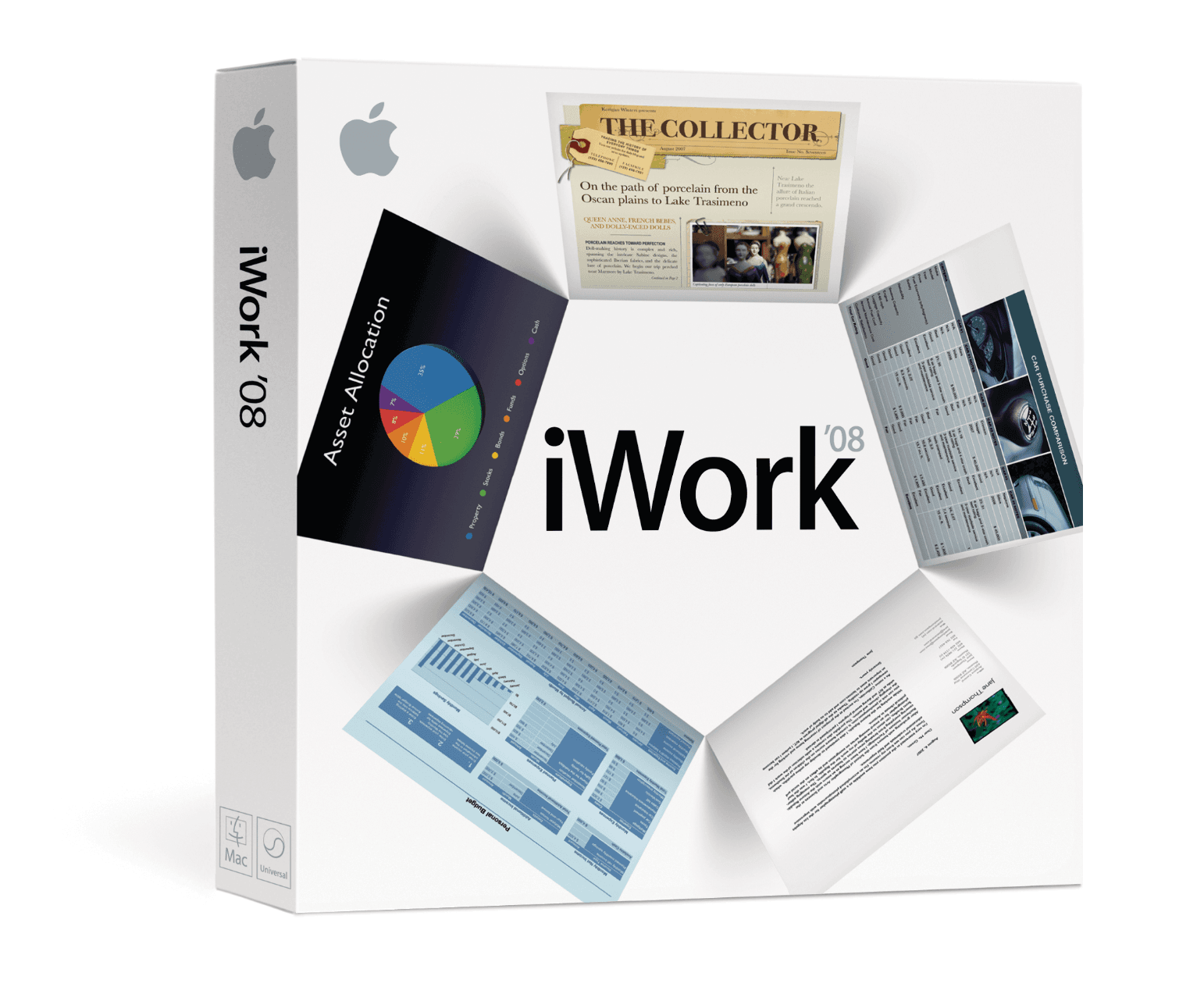
Numbers debuted with iWork ’08 in August 2007, joining Pages and Keynote. Its table-centric layout made small, visually explained spreadsheets a defining use case. Mobile and web versions later added another route to editing and collaboration; function support and file interchange remain version-dependent.
Media 12
View all ↗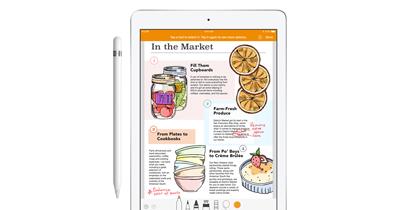
iWork update brings drawing and book creation to Pages, Numbers and Keynote
2018Press release
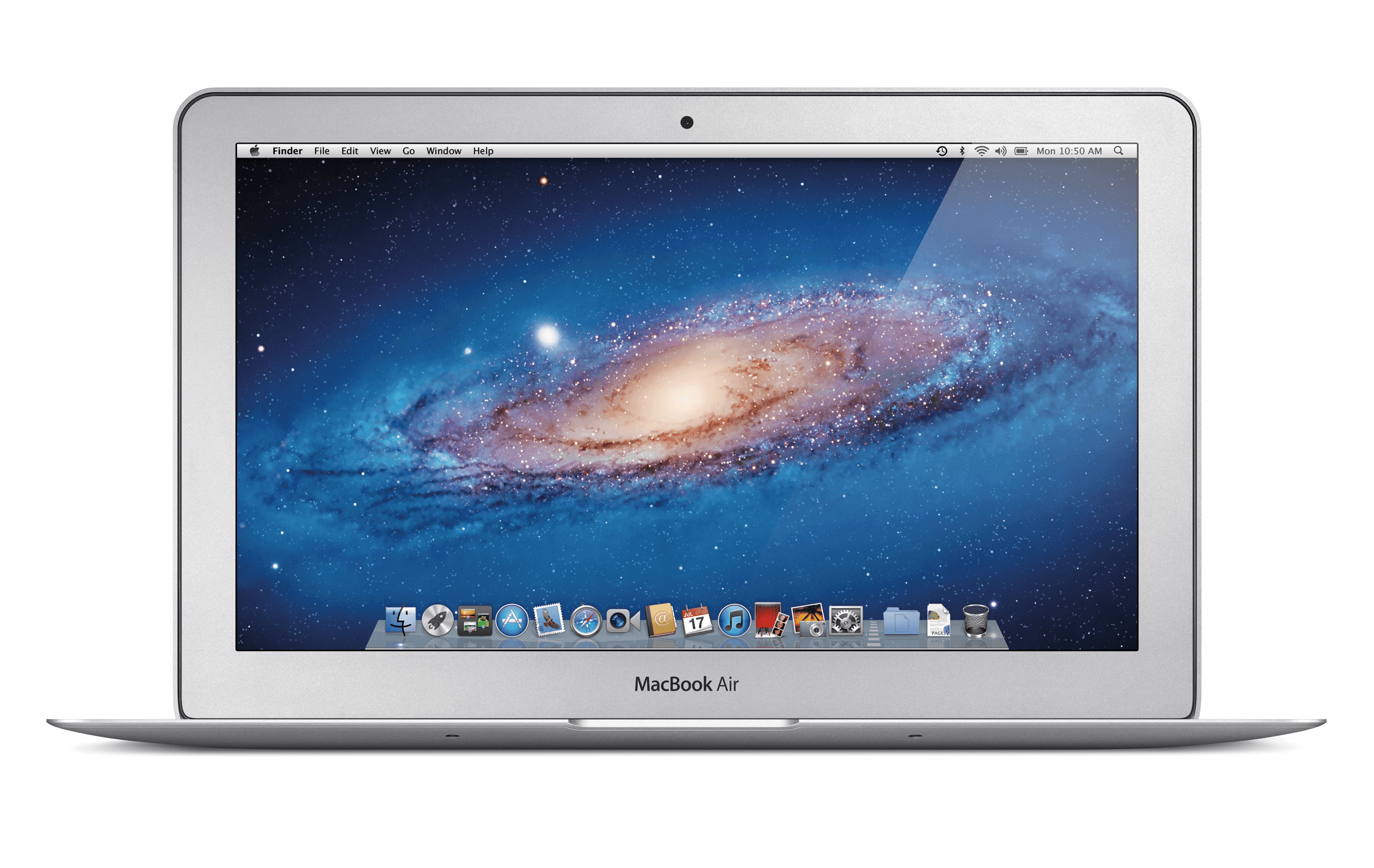
MacBook Air (Mid 2011) Press Photos
2011Photography
Apple Professional Development カタログ — 日本, 2012年11月
2012Brochure
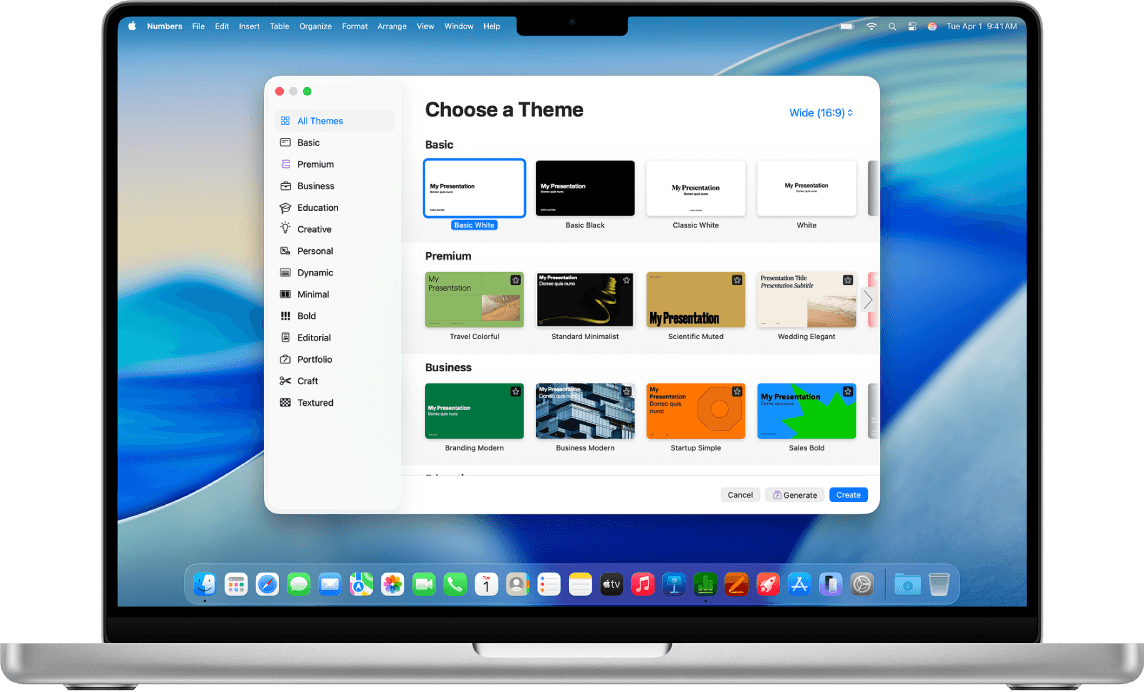
Numbers User Guide
UndatedManual
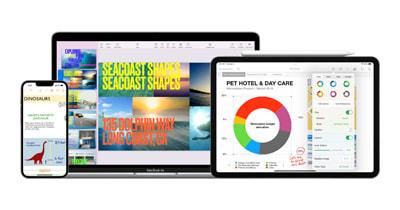
Apple unveils new features in iWork suite of productivity apps
2021Press release
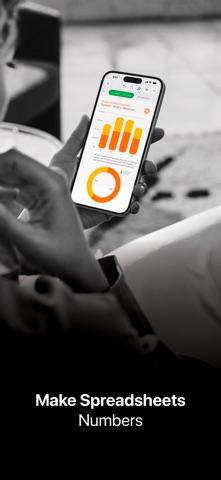
Numbers: Make Spreadsheets — App Store product screenshot
2026Photography
6 of 12 records
Details
Specifications
11 fields
- Layout
- Multiple tables and charts per sheet
- Calculation
- Spreadsheet formulas and functions
- Interchange
- Excel and CSV workflows
- Family
- Mac, iPhone, iPad and iCloud
- Current listing version
- 15.4.2 ↗Apple App Store listing captured 2026-11-16; not the original release requirement.
- Current listing minimum iOS/iPadOS
- 26.0 ↗Apple App Store listing captured 2026-11-16; not the original release requirement.
- Current listing download size
- 661.2 MB ↗Apple App Store listing captured 2026-11-16; not the original release requirement.
- Mac 15.4: data organization
- Filter tables, group data into categories and create pivot tables ↗Documented for Numbers 15.4 on Mac. Source capture is not an original application release witness.
- Mac 15.4: chart types and updates
- Create 2D, 3D or interactive charts that update automatically when their table data changes ↗Documented for Numbers 15.4 on Mac. Source capture is not an original application release witness.
- Mac 15.4: sheets
- Organize a spreadsheet into separate sheets and switch between them using tabs ↗Documented for Numbers 15.4 on Mac. Source capture is not an original application release witness.
- Mac 15.4: collaboration permissions
- Invited collaborators see changes in real time; the owner controls edit or view-only access ↗Documented for Numbers 15.4 on Mac. Source capture is not an original application release witness.
Sources
5 sources
- Numbers User GuideOriginal source
- Numbers: Make Spreadsheets — Apple App StoreOriginal source
- AppleDB: Numbers (iOS)Reference
- AppleDB: Numbers (macOS)Reference
- Apple — Numbers retained guide entry pageOriginal source
Application or service family documented with version distinctions. Requirements explicitly labeled as current-listing values do not describe the original release. Public media and documentation are preserved; no installer redistribution rights are implied.
Catalog data: MIT