Mighty Mouse
A scroll-ball mouse concealed multiple controls beneath Apple’s familiar white shell.
- First available
- August 2, 2005
Dates retain AppleDB's reported precision. 'Released' is the dataset's release field; it is not independently established as the announcement date or first retail availability in every region.
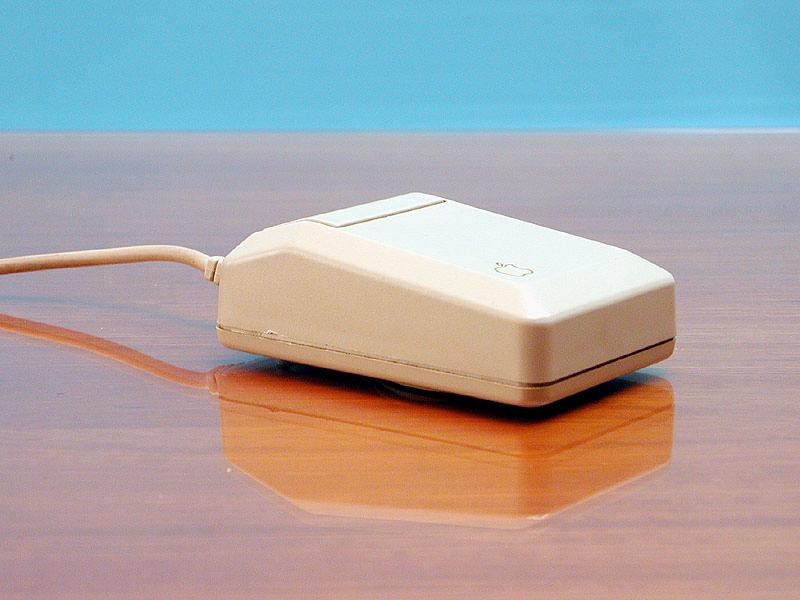
Image: AppleDB device-image archive; original image author is not identified in the repository · Image preserved from the AppleDB community archive; no open reuse license or transfer of original image rights is asserted. ↗
History
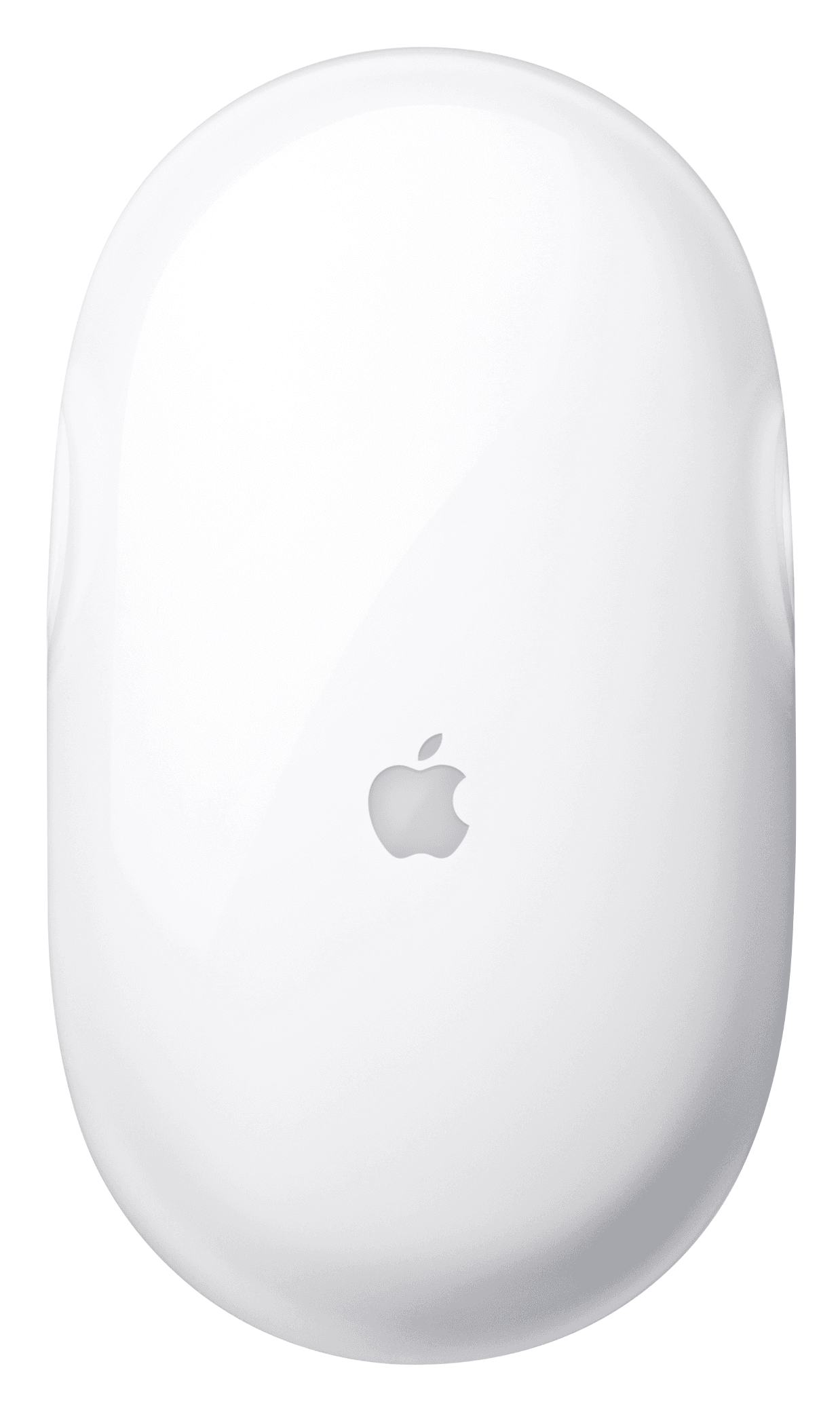
Mighty Mouse departed from Apple’s long-running one-button approach without dividing the top into obvious separate buttons. Touch sensors distinguished left and right clicks beneath the white shell.
A small ball supported scrolling in every direction, while the ball click and squeeze-sensitive sides provided additional programmable controls. The wired and wireless models look closely related, so the cable, underside and tracking specifications identify the correct version.
Media 2
View all ↗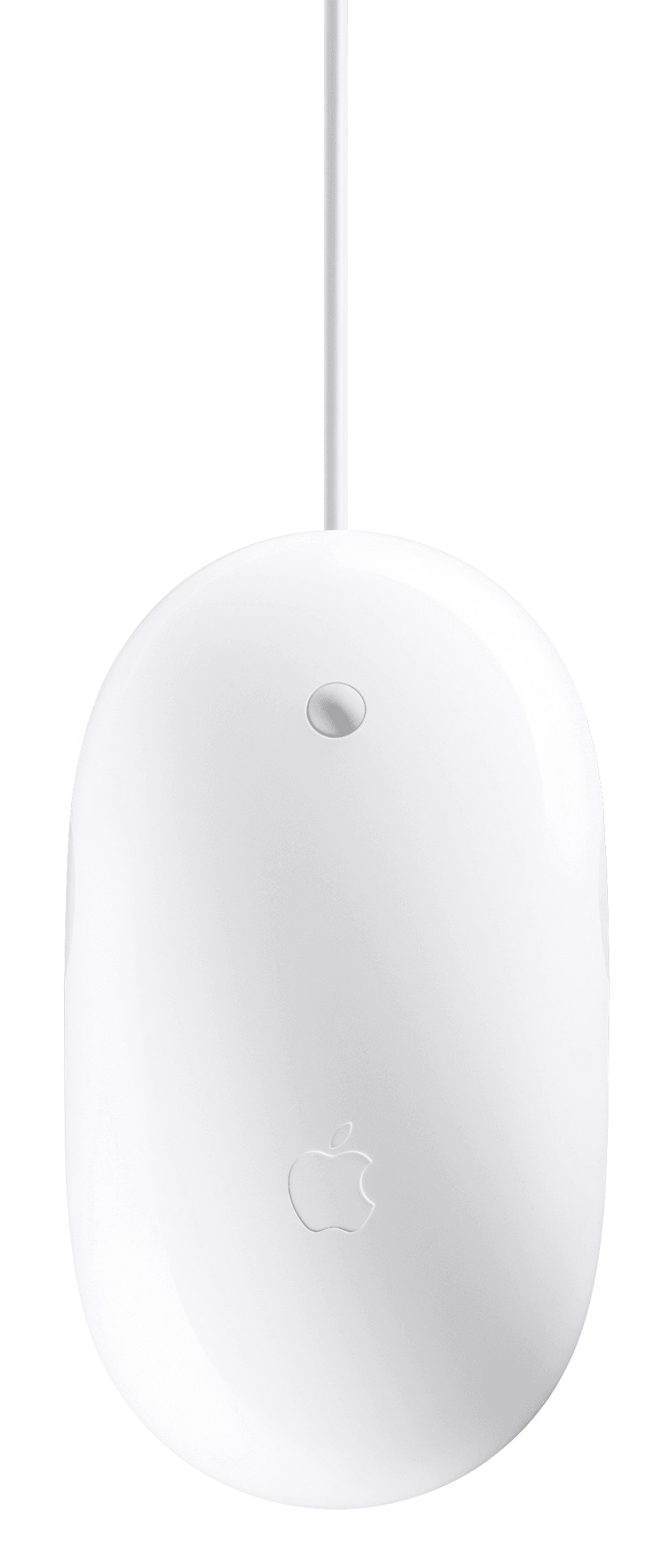
2 of 2 records
Details
Specifications
10 fields
- Model
- A1152 ↗
- Connection
- USB ↗
- Tracking
- Optical ↗
- Scroll
- 360-degree scroll ball ↗
- Controls
- Left/right sensing, ball click and side squeeze ↗
- Programmable input actions
- Up to four independently programmable button actions. ↗
- Launch host compatibility
- Mac OS X, Windows 2000 or Windows XP. ↗
- Customization software requirement
- Mac OS X 10.4.2 Tiger is required for Apple’s button customization and one-click application/system-feature actions. ↗
- USB compatibility
- USB 1.1 or USB 2.0 ports. ↗
- Colors / finishes
- White
Models
1 record
- Model numbers
- A1152
| Model | Model number |
|---|---|
| Mighty Mouse ↗ | A1152 |
Sources
3 sources
- AppleDB: Mighty MouseReference
- Mighty Mouse launchOriginal source
- Model-specific product photograph and identificationCollection record
Catalog data: MIT