macOS Mojave 10.14
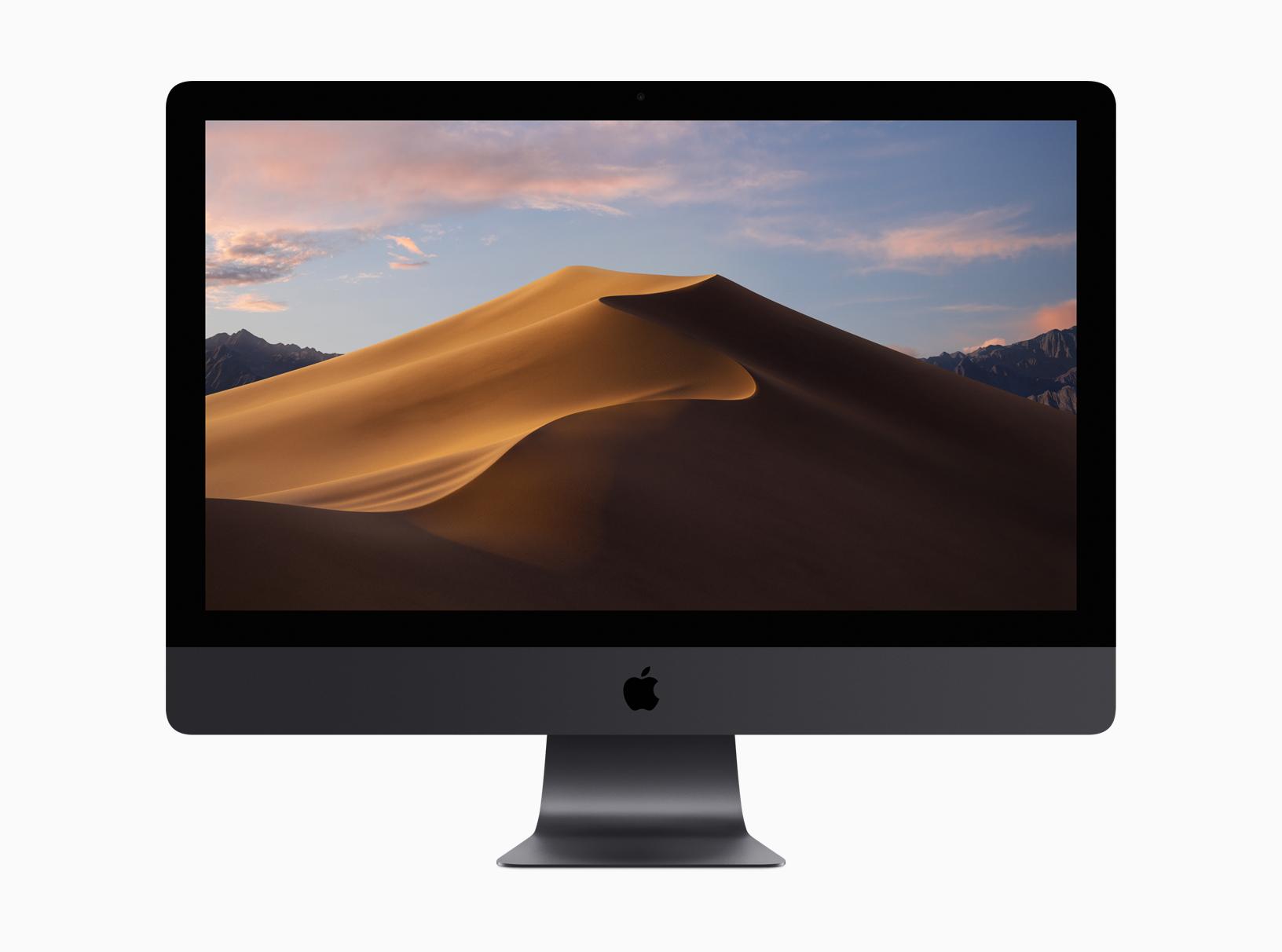
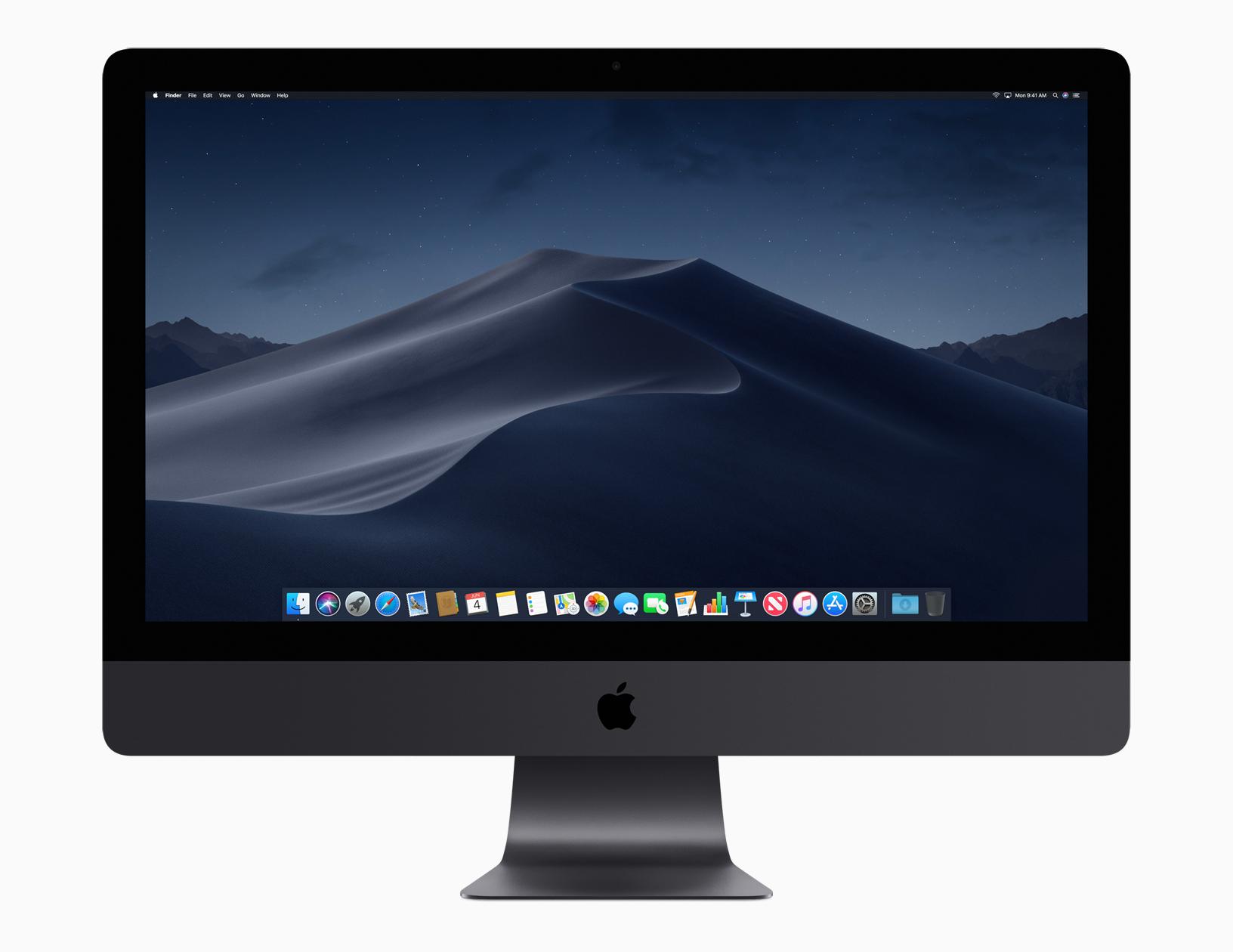
Mojave introduced systemwide Dark Mode, Desktop Stacks, a redesigned Mac App Store and new privacy permissions.
- Announced
- June 4, 2018
- First available
- September 24, 2018
- Original price
- Free update
Introduction / preview: 2018-06-04. Public availability: 2018-09-24. Developer previews and later feature rollouts are separate from public release.
History
News, Stocks, Voice Memos and Home brought familiar iOS applications to Mac. Requiring Metal-capable graphics narrowed the supported hardware compared with High Sierra.
Media 5
View all ↗Includes material indexed to this product family.


5 of 5 records
Details
Specifications
8 fields
- Software type
- Operating system
- Version
- macOS 10.14
- Platform / requirements
- Supported Metal-capable Intel Macintosh; 2 GB RAM; selected 2010/2012 Mac Pro models need compatible Metal GPU
- Key changes
- Dark Mode; Dynamic Desktop; Desktop Stacks; Screenshot tools; Finder Quick Actions
- Original Continuity Camera workflow
- Import a photo or document scan taken with a nearby iPhone into a supported Mac app ↗Describes Mojave’s photo/document-import workflow.
- Screen-capture controls
- Shift-Command-5 opens still-image and screen-video recording controls, with timer and save-location options ↗
- Finder automation hooks
- Quick Actions in the Preview Pane can create/password-protect PDFs and run custom Automator actions ↗
- Safari anti-fingerprinting change
- Presents simplified system information to reduce website fingerprinting ↗
Sources
3 sources
- MacOS version history (revision 1384561402)Reference
- Apple introduces macOS Mojave - AppleOriginal source
- macOS Mojave is available today - AppleOriginal source
A named operating-system release or explicitly identified lineage. Requirements and delayed feature rollouts are described separately; firmware builds, security patches and device-specific rebuilds are not separate products.
Catalog data: CC BY-SA 4.0 (attributed version-history source facts)