iCloud Passwords
iCloud Passwords is a browser extension that connects supported browser sign-in forms with passwords stored in the user's iCloud keychain workflow.
- First available
- May 13, 2021
Dates retain AppleDB's reported precision. 'Released' is the dataset's release field; it is not independently established as the announcement date or first retail availability in every region. This is an application-family record; imported release dates can identify a specific platform edition rather than the first use of the product name. App Store current-version dates are not substituted for original launch dates.
Image: Apple Inc. / official publisher media · Rights reserved · original publisher screenshot, illustration, or application icon; no open reuse license asserted ↗
History
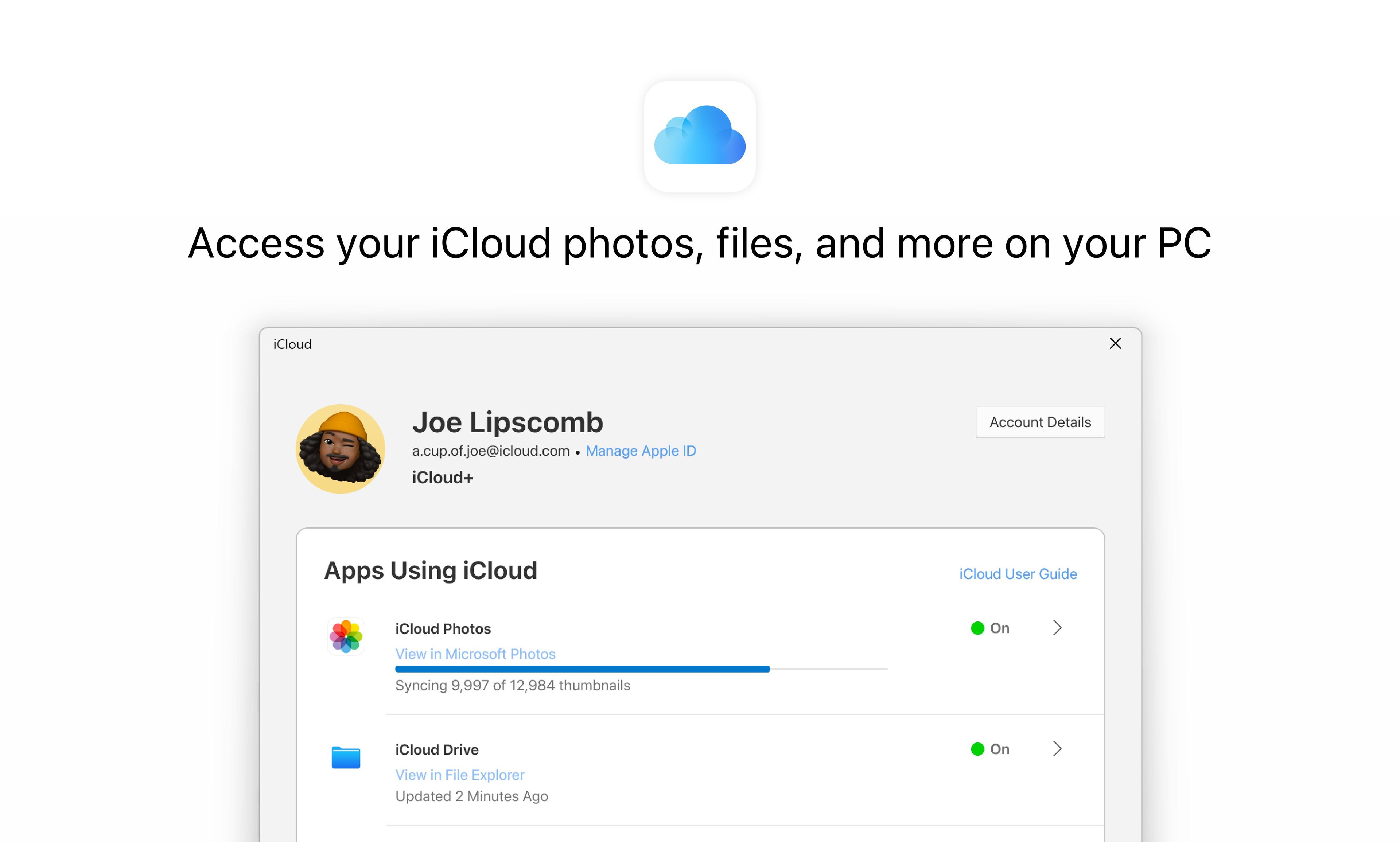
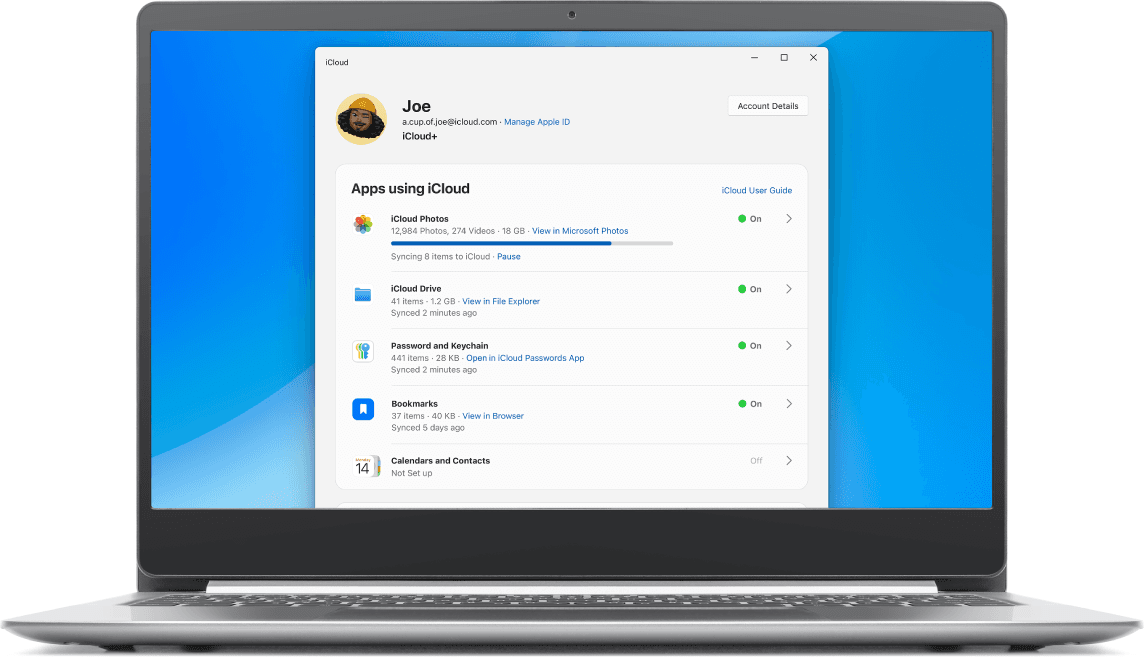
The extension expanded the Windows iCloud experience beyond files and photos, with browser support evolving over time. It depends on Apple's supported app, operating-system and account configuration. It handles credentials rather than bookmarks, which have a separate iCloud extension.
Apple’s Windows guide describes an extension for Chrome, Edge and Firefox alongside a Windows password-management app. It requires two-factor authentication and qualifying code-receiving Apple devices, and notes that enabling the extension turns off the browser’s built-in password saving.
Media 3
View all ↗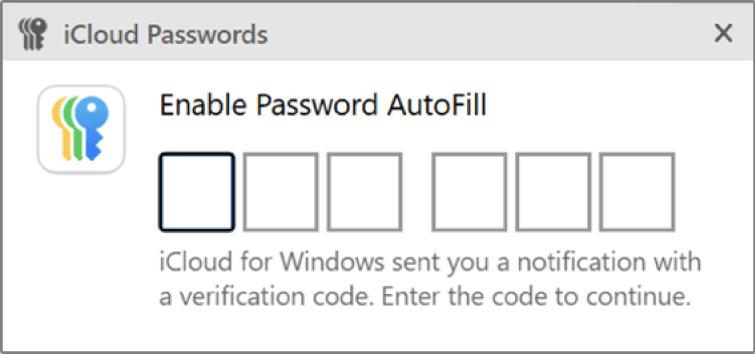
3 of 3 records
Details
Specifications
10 fields
- Role
- Browser password autofill ↗
- Data
- Passwords stored in iCloud Keychain ↗
- Windows setup
- Configured through iCloud for Windows ↗Windows guide captured 2026-11-16; no2021launch-baseline or universal cross-platform requirement is inferred.
- Separate extension
- iCloud Bookmarks
- Windows browsers
- Google Chrome, Microsoft Edge or Firefox ↗
- Account authentication
- Two-factor authentication required ↗
- Security-code receiver
- Apple device with iOS 14, iPadOS 14, macOS 11 or later ↗Apple device receiving the security code; this is not the Windows OS minimum.
- Setup condition
- Advanced Data Protection enabled, or Apple device within Bluetooth range of the PC ↗
- Windows companion
- iCloud Passwords app manages passwords outside the browser ↗
- Browser password saving
- Browser’s built-in password saving is turned off when the extension is enabled ↗
Sources
6 sources
- Icloud For Windows User GuideOriginal source
- AppleDB: iCloud Passwords (Chrome)Reference
- AppleDB: iCloud Passwords (Edge)Reference
- AppleDB: iCloud Passwords (Firefox)Reference
- Set up iCloud Passwords on your Windows computerOriginal source
- Autofill iCloud passwords in a web browser on your Windows computerOriginal source
Application or service family documented with version distinctions. Requirements explicitly labeled as current-listing values do not describe the original release. Public media and documentation are preserved; no installer redistribution rights are implied.
Catalog data: MIT