Claris FileMaker Go 19
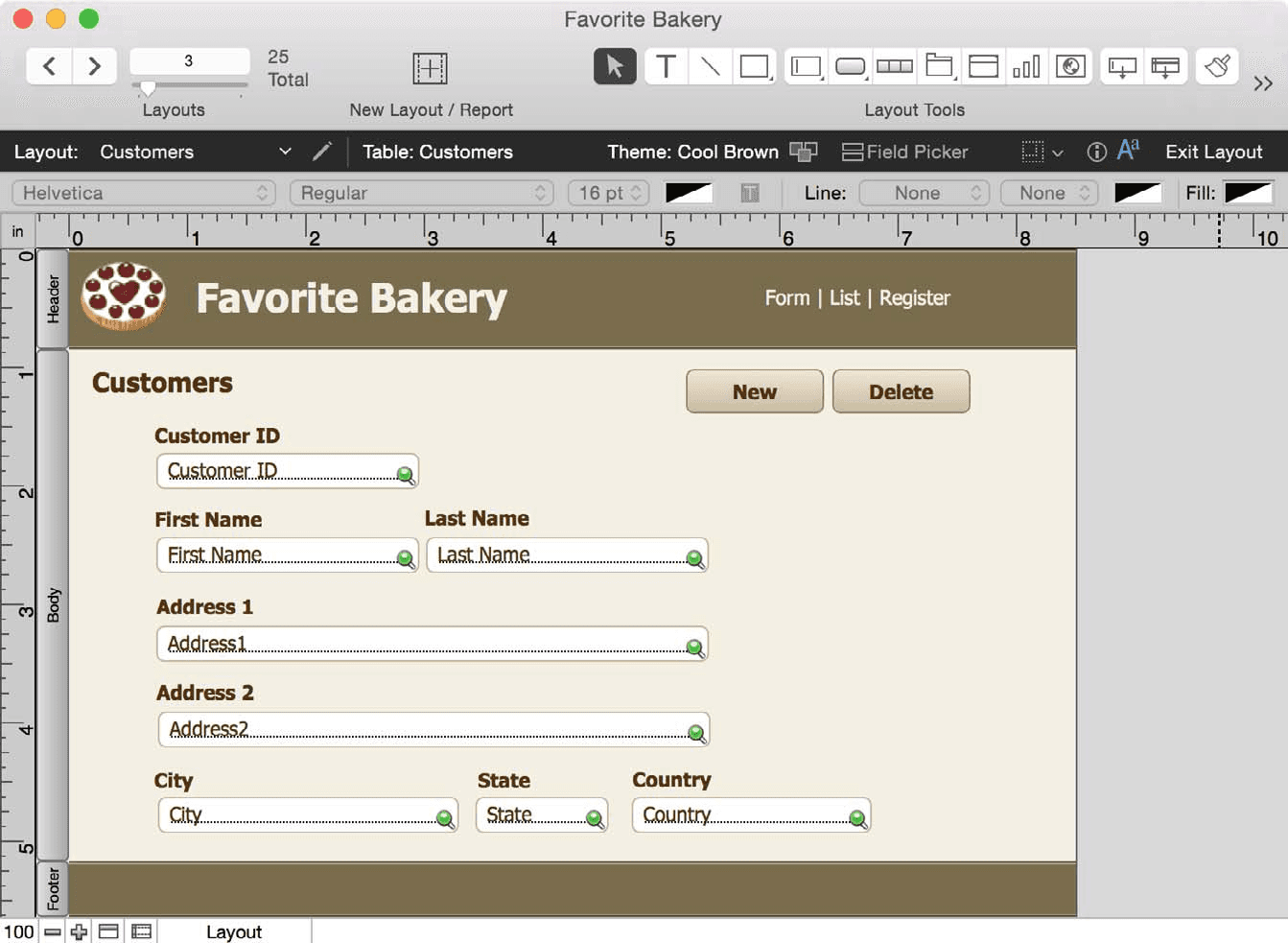
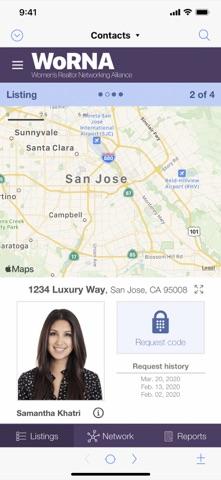
Claris FileMaker Go 19 runs custom FileMaker apps on iPhone and iPad, including local databases and compatible hosted business solutions.
- First available
- May 20, 2020
Dates retain AppleDB's reported precision. 'Released' is the dataset's release field; it is not independently established as the announcement date or first retail availability in every region. This is an application-family record; imported release dates can identify a specific platform edition rather than the first use of the product name. App Store current-version dates are not substituted for original launch dates.
Image: Claris International Inc. · Rights reserved · historical first-party App Store artwork; no open reuse license asserted. ↗
History
The 2020 edition reflects Claris's renewed corporate branding while continuing the FileMaker mobile-client line. It uses .fmp12 files and solution designs built in FileMaker Pro. The long-lived version 19 platform received updates, so compatibility should be attached to the particular Go build rather than the major number alone.
Media 1
View all ↗1 of 1 records
Details
Specifications
16 fields
- Version
- Claris FileMaker Go 19
- Platforms
- iPhone and iPad
- File format
- .fmp12
- Role
- Custom-app runtime
- Go 19 archived guide: authoring boundary
- Database schema, layouts, scripts, value lists and custom menus are created or modified in FileMaker Pro rather than FileMaker Go ↗
- Go 19 archived guide: import/export formats
- Record import supports FMP12 only; record export to FMP12 or XML is unsupported ↗Edition-specific capabilities; current replacement documentation is not projected backward.
- Go 19 archived guide: hosting and extensions
- Plug-ins and hosting files are unsupported ↗
- Go 19 archived guide: unsupported script steps
- Unsupported steps are skipped without an alert and return error 3; Get(LastError) can detect the result ↗
- Go 19 archived guide: preview workflow
- Layout and Preview modes are unavailable; records can be saved as PDF and viewed within Go ↗
- Go 19 archived guide: local container storage
- Local files cannot store container data externally ↗
- Go 19 archived guide: file encryption
- Transferred encrypted files remain encrypted; enabling or disabling encryption requires FileMaker Pro ↗
- Go 19 archived guide: manual export encoding
- Manual exports default to UTF-8 except XLSX, which uses UTF-16; a script is needed to configure the output character set ↗The statement concerns manual export defaults, not a universal encoding rule for every script or file type.
- Go 19 archived guide: print settings
- Print options for a file in FileMaker Pro and FileMaker Go are independent ↗
- Go 19 archived guide: app suspension
- App and scripts resume after suspension; for hosted files, a data or schema change during suspension stops the script ↗This is the documented resume behavior, not a guarantee after iOS or iPadOS forces the app to quit; the guide separately describes hibernation-file limitations.
- Go 19 archived Help: transferred copies
- A transferred file is a separate copy; local edits do not automatically synchronize to the original and require manual import or update ↗This archived Help also covers Claris 40. It is kept separate from the January 2022 development-guide edition.
- Go 19 archived Help: desktop transfer
- Use iTunes File Sharing on macOS 10.14 Mojave or earlier and Windows; use Finder on macOS 10.15 Catalina or later ↗Documented transfer workflow, not a current operating-system support or service-lifecycle promise. This Help also covers Claris 40.
Sources
6 sources
- AppleDB: Claris FileMaker Go 19Reference
- Claris FileMaker Go 19 Development Guide — January 2022 editionOriginal source
- Edition and documentation rightsOriginal source
- Claris FileMaker Go 19 — go19-differencesOriginal source
- Claris FileMaker Go 19 — go19-behaviorOriginal source
- Claris FileMaker Go 19 — go19-help-transferOriginal source
Application or service family documented with version distinctions. Requirements explicitly labeled as current-listing values do not describe the original release. Public media and documentation are preserved; no installer redistribution rights are implied.
Catalog data: MIT