← ArchiveDocument · Undated
Time Machine — official documentation
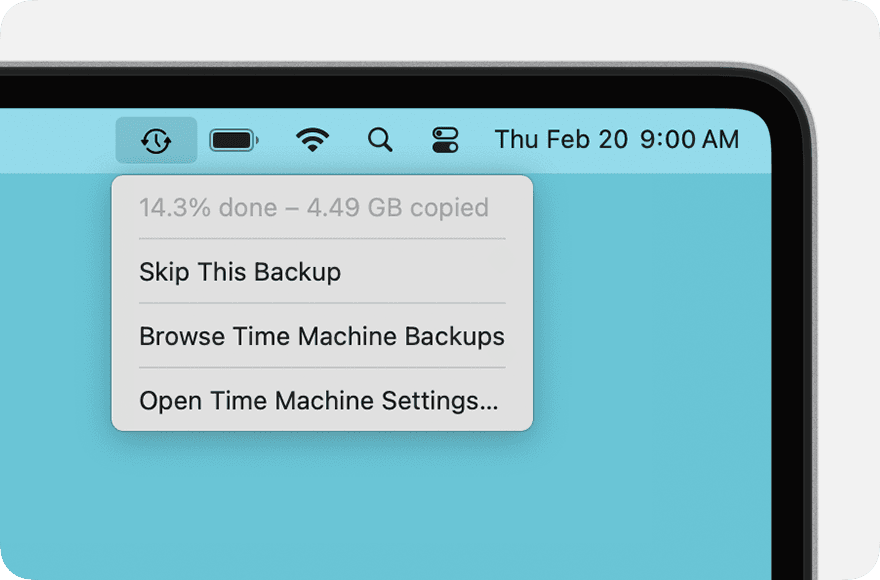
The retained Time Machine support article walks through connecting storage, selecting a backup disk and starting or monitoring a backup. It also explains backup frequency, reconnecting a disk and routes to restoring files, with a separate note about using APFS volumes for other storage.
- Date
- Undated
- Format
- text/html
- Source
- Apple Support
- Location
- Retained HTML: Connect a storage device (#connect); Set up the storage device (#setup); Make a backup (#backup); backup frequency (#frequency); Restore your Mac (#restore).
Guide is undated or updated in place; 2026-11-16 is the evidence capture date, not the application release date.
Details
Source & credits
- Material
- Document
- Date
- Undated
- Format
- text/html
- Preserved files
- 1
- Source
- Apple Support
- Location
- Retained HTML: Connect a storage device (#connect); Set up the storage device (#setup); Make a backup (#backup); backup frequency (#frequency); Restore your Mac (#restore).
- Credit
- Apple Inc.
- Rights / access
- Original documentation and media remain copyright their credited publisher and creators. Public source preserved for contextual historical reference; no open reuse license or software redistribution permission asserted.
- Apple Support Original source