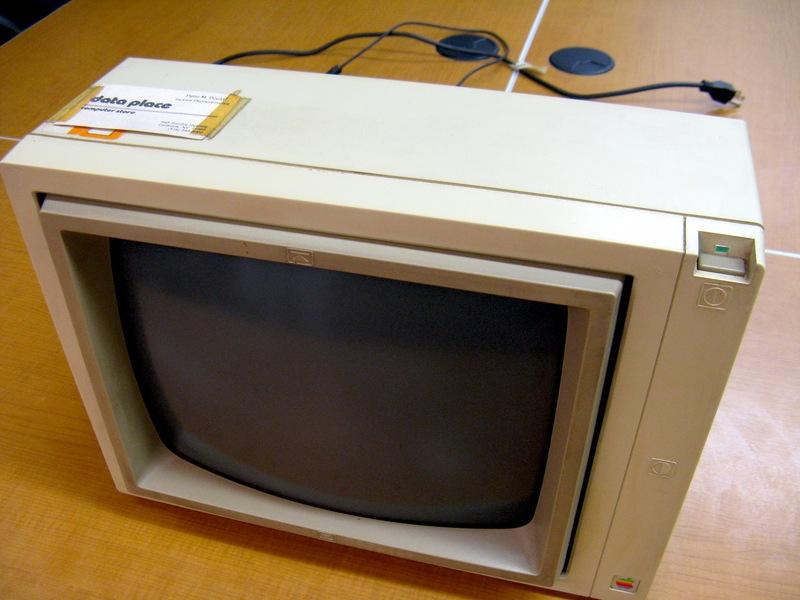
Monitor II — User’s Manual
The inspected Monitor II manual introduces the tilting screen, normal or reverse 80-column display and amber or green display options. Connection pages locate video outputs on Apple II-family computers, while startup instructions explain contrast and viewing-angle adjustment. This summary covers selected feature, connection and adjustment pages, rather than every care or troubleshooting section.
- Date
- Undated
- Format
- Source
- Apple Computer, Inc. — original document; Apple2Online scan preserved by Apple II archive mirror
- Location
- PDF pp. 1, 9, 12, 14 (selected source pages).
PDF · 7.5 MB
Open PDF ↗About this item
From the inspected pages: The inspected Monitor II manual introduces the tilting screen, normal or reverse 80-column display and amber or green display options. Connection pages locate video outputs on Apple II-family computers, while startup instructions explain contrast and viewing-angle adjustment. This summary covers selected feature, connection and adjustment pages, rather than every care or troubleshooting section.
Details
Source & credits
- Material
- Manual
- Date
- Undated
- Format
- Preserved files
- 1
- Source
- Apple Computer, Inc. — original document; Apple2Online scan preserved by Apple II archive mirror
- Location
- PDF pp. 1, 9, 12, 14 (selected source pages).
- Credit
- Apple Computer, Inc.; scan by Apple2Online, preserved by Apple II archive mirror
- Rights / access
- © Apple Computer, Inc. Original manual, rights reserved.
Files
1 file
- Apple-Monitor-II-User-s-Manual_HQ.pdf application/pdf