← ProductManual · Undated
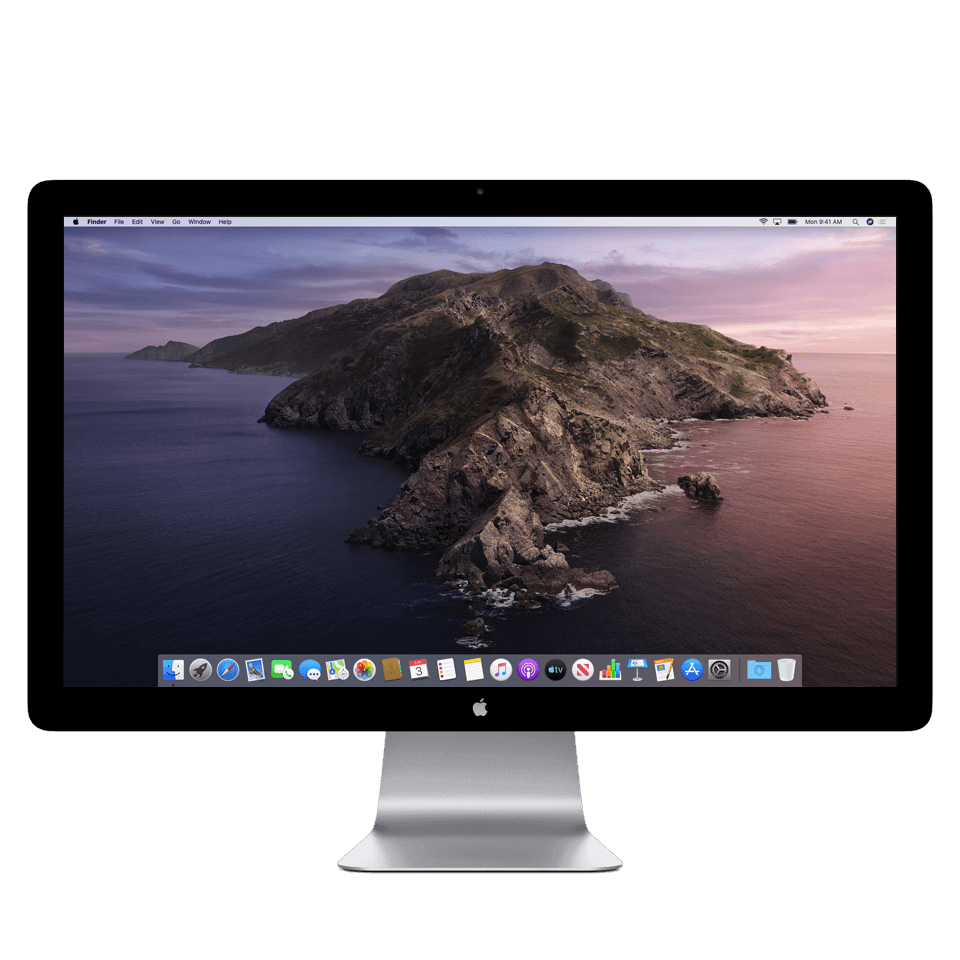
Apple Thunderbolt Display - Getting Started
The Thunderbolt Display guide introduces connecting a compatible Mac and using the display’s FaceTime HD camera, microphone, speakers and ports. Its opening explanation also identifies MagSafe notebook charging and the organization of setup, settings and safety guidance. Compatibility is described in terms of a Thunderbolt port, rather than Mini DisplayPort alone.
- Date
- Undated
- Format
- Source
- Apple Support — model documentation
The retained native PDF prints ©2011 Apple Inc. This dates its copyright notice, not the hardware model’s introduction or a verified first-publication date. The model/year in the source label is kept separate; no numeric publication year, month or day is inferred.
PDF · 2.7 MB
Open PDF ↗Details
Source & credits
- Material
- Manual
- Date
- Undated
- Format
- Preserved files
- 1
- Source
- Apple Support — model documentation
- Credit
- Apple Inc.
- Rights / access
- © Apple Inc. Original Apple documentation; rights reserved.
- Apple Support — model documentation Original source
- Apple Thunderbolt Display (27-inch) — original documentation index Reference
Files
1 file
- ma1594_thunderbolt_display_getting_started.pdf application/pdf