← ProductManual · 2021
Magic Keyboard with Touch ID - User Guide
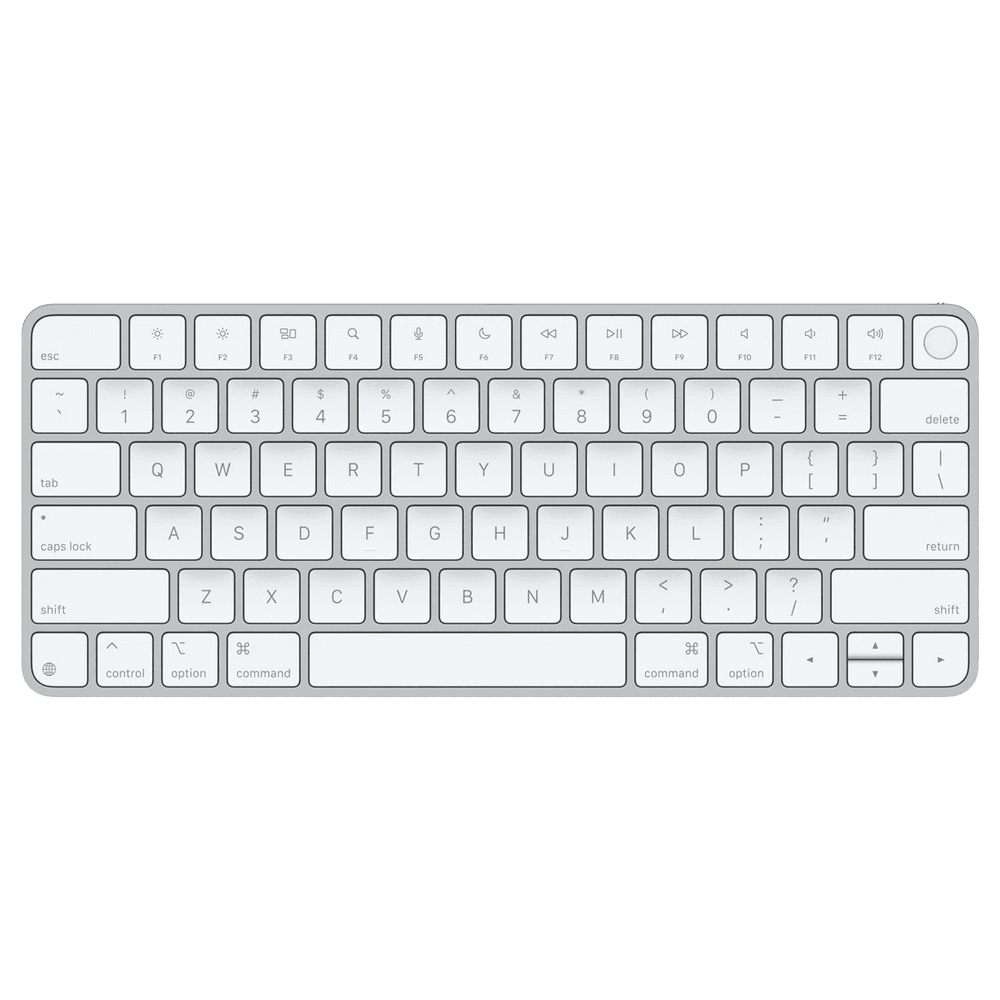
The inspected English section explains pairing the compact Magic Keyboard with Touch ID through a USB-C-to-Lightning cable, enrolling fingerprints, locking a Mac and authorizing purchases. Function-key descriptions cover Spotlight, dictation, Siri, Do Not Disturb and media controls. Further pages address renaming, battery status, removing an existing pairing, cleaning and ergonomics. The opening diagram distinguishes this layout from the numeric-keypad guide.
- Date
- 2021
- Format
- Source
- Apple Support
- Location
- 16 pages
Year follows the copyright or edition imprint in the preserved original, rather than an inferred launch or first-publication date.
PDF · 0.3 MB
Open PDF ↗Preview image: Apple Inc. · Original Apple publication; rights reserved. Preview rendered from preserved PDF. ↗
Details
Source & credits
- Material
- Manual
- Date
- 2021
- Format
- Source files
- 1
- Preserved files
- 1
- Source
- Apple Support
- Location
- 16 pages
- Credit
- Apple Inc.
- Rights / access
- Original Apple publication and image rights retained. Archival file preserved without alteration; no open reuse license asserted.
- Apple Support Original source
- Magic Keyboard with Touch ID product evidence Reference
Files
1 file
- ma2010_magic-keyboard-touchid-ug.pdf application/pdf